About
Give your players codes. In two minutes.
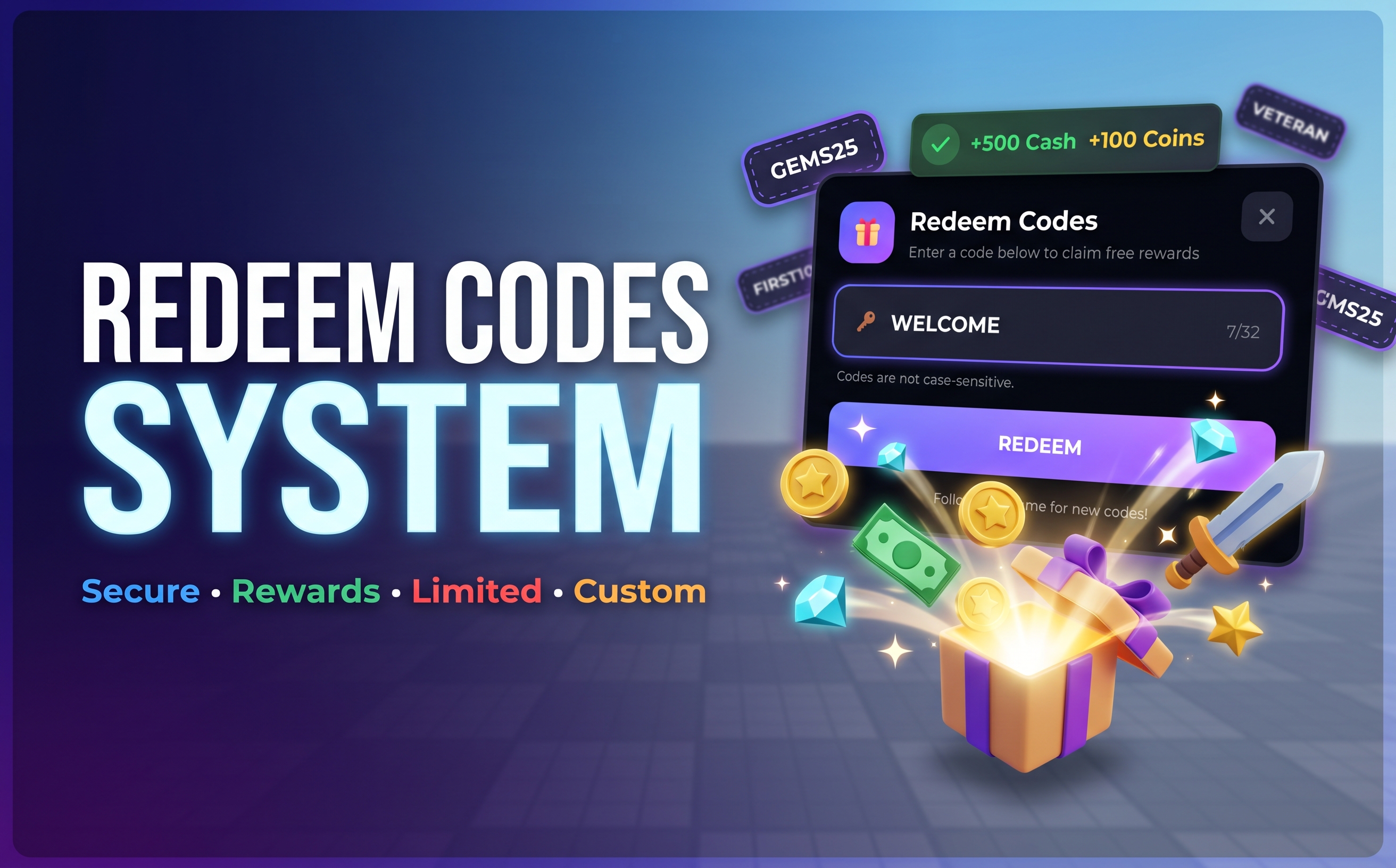
Redeem Codes System is a complete, ready-to-ship code system for Roblox. Drop the model into Workspace, paste your license key, add your codes, done. No scripting needed, but fully extendable if you want it.
✨ Features
- Polished, animated UI: a modern redeem panel with blur, smooth animations, live input validation, a character counter and toast notifications for success and errors. Scales automatically for phone, tablet, PC and console.
- Any reward you want: Cash, Coins, Gems, XP, Levels and Tools out of the box. Connect your own currency or data system (ProfileService, custom saves, pets, trails…) with a few lines.
- Scheduled codes: set a start and end date for events and holidays. They switch on and off by themselves.
- Limited codes: "first 100 players only", counted exactly across all servers, even when many players redeem at the same time.
- Requirements: restrict codes to account age, gamepass owners, group members or anything you can check.
- Saved forever: each player can redeem each code once. Redemptions are stored in DataStores with automatic retries.
- Rewards are never lost or doubled: a reward that can't be given right now is kept and delivered later, even after the player rejoins.
- Exploit-safe: your codes and rewards never leave the server, so exploiters can't read them. Every request is checked on the server, with a cooldown, a lockout against code guessing and flood protection.
- Mistake-proof config: a code with a typo (bad date, unknown reward, negative amount) is disabled with a clear warning instead of giving the wrong reward.
- Developer API: redeem from chat commands, read active codes, reset players, and listen for redemptions for analytics or Discord logs.
- Fully customisable: every text, colour, font, sound, position and keybind lives in one config file. Use the built-in button or open the panel from your own.
🚀 Setup
- Insert the model into Workspace.
- Turn on Game Settings → Security → Allow HTTP Requests.
- Paste your license key into License.
- Add your codes in RedeemCodeConfig.
- Press Play.
A detailed README inside the model covers everything: rewards, integrations, the API, testing in Studio and troubleshooting.
📦 What's included
- Redeem panel UI and notifications
- Server system with DataStore saving, global limits and rate limiting
- One config file with 9 example codes that show every feature
- Demo sword item for item rewards
- Built-in self-test suite for Studio
- Full README documentation
⚙️ Requirements
- Allow HTTP Requests enabled (for the license check)
- A published game (needed for DataStores and HTTP)
Questions or problems? Contact support through your library.
Code preview
-- RedeemCodeConfig: adding codes is this easy
Config.Codes = {
	["WELCOME"] = {
		Rewards = { Cash = 500, Coins = 100 },
	},

	-- Only the first 100 players across all servers
	["FIRST100"] = {
		MaxRedemptions = 100,
		Rewards = { Gems = 100 },
	},

	-- Works automatically from 1 to 7 January (UTC)
	["NEWYEAR2027"] = {
		StartsAt = "2027-01-01",
		ExpiresAt = "2027-01-08",
		Rewards = {
			{ Type = "Cash", Amount = 2027 },
			{ Type = "Items", Item = "DemoSword" },
		},
	},

	-- Your own requirement
	["VETERAN"] = {
		Requirement = function(player)
			if player.AccountAge >= 30 then
				return true
			end
			return false, "Your account must be at least 30 days old."
		end,
		Rewards = { Gems = 50 },
	},
}

-- Connect your own currency system
Config.RewardTypes.Cash.Handler = function(player, amount)
	local profile = PlayerData.GetProfile(player)
	if not profile then
		return false, "Profile not loaded" -- retried automatically
	end
	profile.Data.Cash += amount
	return true
end

-- React to redemptions from your own scripts
local RedeemCodeAPI = require(game.ServerScriptService.RedeemCodeSystem.RedeemCodeAPI)

RedeemCodeAPI.CodeRedeemed:Connect(function(player, code, rewards)
	print(player.Name, "redeemed", code)
end)
Reviews
No reviews yet.